TotalSecurityCheck.com

How to Stay Safe Online

Simple, practical steps to protect your privacy, identity, and accounts — without technical knowledge.

1. Protect Your Accounts & Passwords

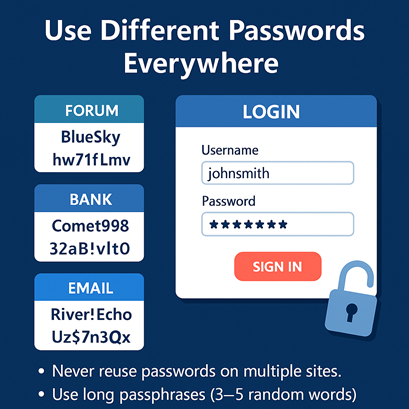
Use different passwords everywhere

Reusing passwords is the #1 way attackers break into accounts after data leaks.

  • Never reuse passwords on multiple sites.
  • Use long passphrases (3–5 random words).
  • Password managers make this easy.

Enable 2-Factor Authentication (2FA)

2FA blocks hackers even if they get your password.

  • Enable 2FA on your email first — it’s the master key.
  • Prefer authenticator apps over SMS.
  • Store backup codes offline.

Don’t share accounts

Avoid giving multiple people access to the same login.
  • Create separate accounts per person.
  • Change passwords after temporary sharing.

2. Separate Your Identity, Emails & Nicknames

Use different nicknames per platform

Same username everywhere = easy OSINT tracking.

  • Use unique nicknames per community.
  • Don't include your birth year or city.

Use dedicated email addresses

One email for everything is a major privacy risk.

  • One email for banking & important accounts.
  • One for social media.
  • One for forums, newsletters, sign-ups.

Be careful with real-name profiles

LinkedIn/Facebook reveal a lot about your life.

  • Review what is publicly visible.
  • Never reuse your real-name password.

3. Think Before You Post: Photos & Life Events

Don't post holiday photos while away

This signals that your home is empty.

  • Post travel pictures after returning.
  • Avoid geolocation tags.

Avoid showing wealth or valuables

Photos reveal more than people expect.

  • Blur backgrounds.
  • Avoid posting serial numbers.

Protect children’s privacy

Children cannot consent to future exposure.
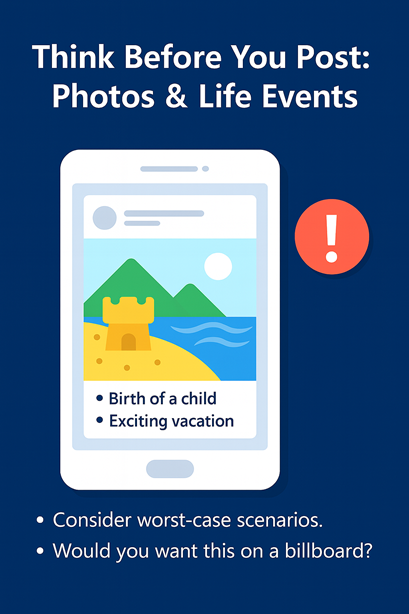
  • No identifiable photos.
  • Keep school/location private.

4. Secure Your Devices & Connections

Keep your devices updated

  • Automatic updates on.
  • Remove unused apps.
  • Use reputable antivirus.

Secure your Wi-Fi

  • Change default router passwords.
  • Use WPA2/WPA3 only.
  • Avoid using WIFI guest network (Hotels/Airport/Shopping Centres...).

Use screen locks & encryption

  • Lock your devices.
  • Enable encryption.
  • Enable “Find My Device”.

5. Avoid Scams & Phishing

Be suspicious of urgent requests

Scammers rely on panic.

Check sender & link destination

Hover links / inspect email addresses.

Never share passwords or codes

No legitimate company asks for 2FA codes.

Verify through official channels

Call the official company number yourself.
6. Deepfakes, Fake Profiles & AI Social Engineering

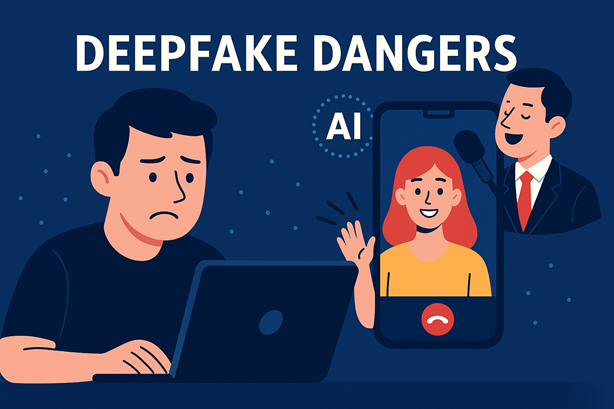
Deepfakes are now extremely realistic

Anyone can create fake videos or photos using AI tools available for free.

  • Deepfake voices & videos can impersonate family or colleagues.
  • Romance scammers now use fake AI-generated faces.
  • Never trust identity based only on photos or video calls.

Fake profiles are widespread

Scammers use AI-generated faces and bios to appear real.

  • Profile pictures may be AI-generated or stolen.
  • Do reverse image searches for suspicious profiles.
  • Beware of people who avoid voice calls or push for money.

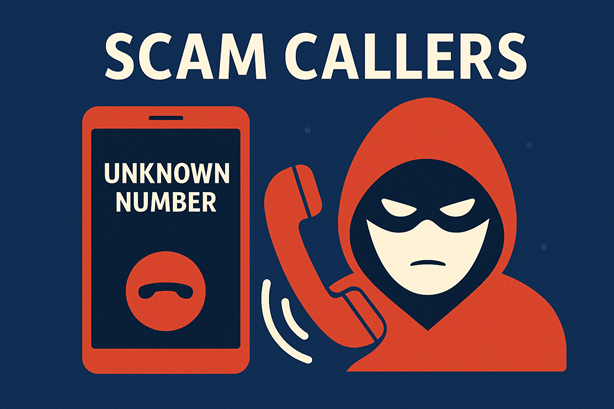
Spoofed phone calls (fake caller ID)

Scammers can make their call appear from familiar numbers:

  • Your bank’s number
  • Your employer
  • Your child’s school

Never give personal info on incoming calls. Hang up and call the official number yourself.

AI chatbots impersonating real humans

Artificial intelligence can have full conversations that feel human.

  • AI scammers will attempt to gain trust.
  • They may ask for your address, codes, or payments.
  • If something feels “off”, stop talking.

Never share private information with strangers online — even in a friendly chat.
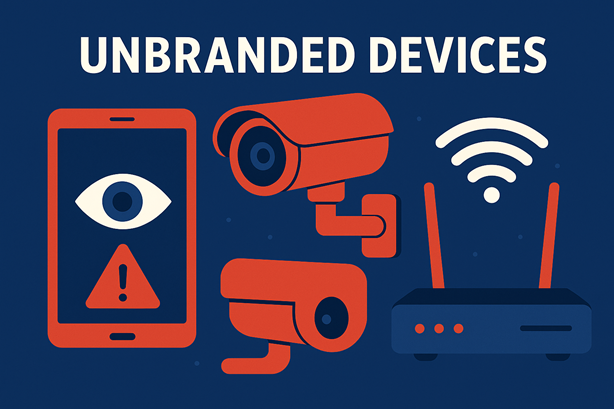
7. Unsafe Devices, Cheap Electronics & CCTV Risks

Cheap tablets & phones can spy on you

Many low-cost devices come with hidden apps that collect:

  • Your contacts
  • Your browsing activity
  • Your location

Some are known to send data to unknown servers.

CCTV / IP cameras may leak video feeds

Non-branded or cheap cameras often have:

  • Hardcoded passwords
  • Cloud servers in unknown countries
  • No encryption

Attackers could view your camera without your knowledge.

Untrusted routers & smart home devices

Routers, smart bulbs, baby monitors, and plugs may have hidden backdoors.
  • Buy networking equipment from known brands.
  • Avoid unknown “no-name” smart devices.
  • Segment smart devices on a guest network.

General advice for all IoT devices

  • Change default passwords immediately.
  • Disable cloud access when possible.
  • Update device firmware regularly.
  • Keep IoT devices isolated from your main devices.